osCommerce 2.3.x
MailBeez works with osCommerce 2.3.1, running on php 5.3+
The installation is straight forward and can be done in a couple of minutes by following these two steps:
- copy new files
- add menu entry
Step 1 – copy new files
Tip
If not done yet please download and unzip the installer package (.zip) on your computer: Download
copy following file to your admin-directory
mailbeez.php
copy following file and folder to your catalog-directory (where your index.php is located)
mailhive (folder)
mailhive.php
Step 2 – add menu entry
depending on your version you can either use the admin plugin or manually add the menu entry:
A. Admin Plugin
since oscommerce 2.3.3 a plugin system for adding admin entries is available. For this version please copy
extra_files/extras_osc_233x/admin/includes/boxes/customers_mailbeez.php
into your oscommerce system:
admin/includes/boxes/customers_mailbeez.php
B. Add a menu entry
located and open the file
admin/includes/boxes/tools.php
find
    array(
        'code' => FILENAME_WHOS_ONLINE,
        'title' => BOX_TOOLS_WHOS_ONLINE,
        'link' => tep_href_link(FILENAME_WHOS_ONLINE)
    )
add
// mailbeez
     ,
     array(
         'code' => 'mailbeez.php',
         'title' => 'MailBeez',
         'link' => tep_href_link('mailbeez.php')
     )
     // - mailbeez
this will add the menu-entry “MailBeez” to your Tools-Box.
Feel free to place this link whereever you want.
Open the MailBeez System and start exploring!
Run Installation
Just click on the new menu item to open the MailBeez Installer:
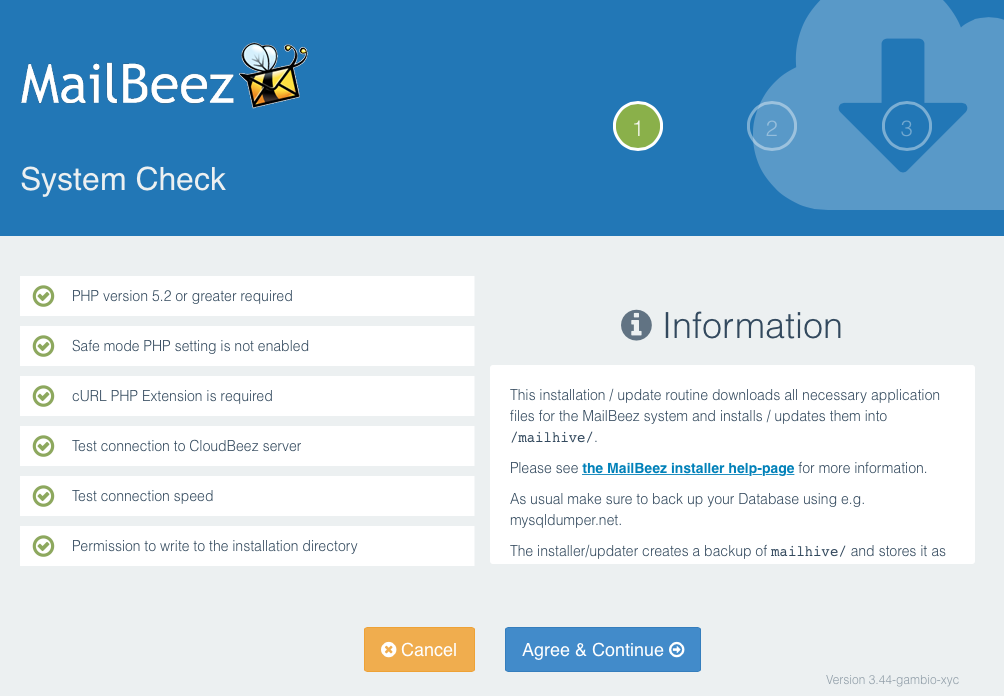
The installer guides you through the process and stops if there are any issues.