CRE Loaded
MailBeez works with CRE_Loaded_PCI_CE_v6.4.1a, running on php 5.3+
The installation is straight forward and can be done in a couple of minutes by following this single step:
- copy new files
MailBeez is maintaining it’s own tables – the shops existing table stay as they are.
Step 1 – copy new files
Tip
If not done yet please download and unzip the installer package (.zip) on your computer: Download
The “Quickstart Package” Zip-File contains several folders. The Folder “catalog” contains the files and folders you need to copy into your Shop Root.
Copy following file and folder to your Shop Root (where your index.php is located)
catalog/admin/mailbeez.php -> admin/mailbeez.php
catalog/mailhive -> mailhive (folder)
catalog/mailhive.php -> mailhive.php
and the CRE Loaded specific “drop-in installation files” located in
(MailBeez package) / extras_creloaded
into their locations:
admin/includes/runtime/applicationtop/MAILBEEZ_applicationtop_bottom.php
admin/includes/runtime/marketing/MAILBEE_marketing_boxesbottom.php
includes/runtime/applicationtop/MAILBEEZ_applicationtop_bottom.php
Step 2 (CRE Loaded B2B) – add admin rights
the B2B version of CRE Loaded supports admin rights. After copying the files into CRE Loaded you need to grant access to the MailBeez system with following steps:
- go to “Administrator > Menu File Access”
- Click on line item “Marketing”
- Click Button “Insert File”
- Choose “mailbeez.php” in the drop-down list & save the settings
Now you find the Menu item “MailBeez” under “Marketing” in the admin menu
Run Installation
Just click on the new menu item to open the MailBeez Installer:
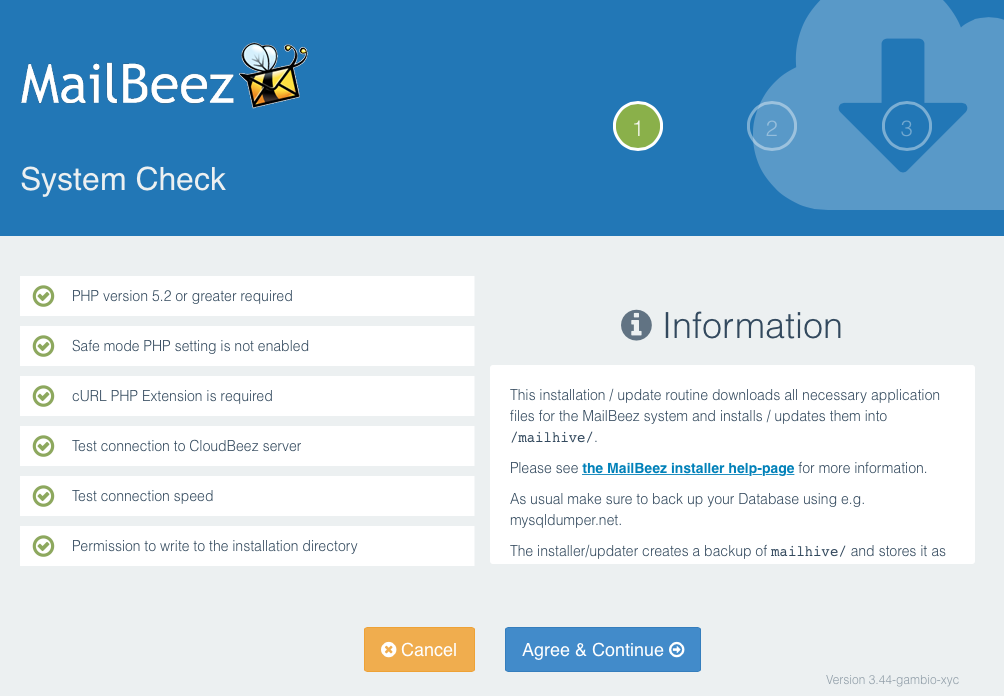
The installer guides you through the process and stops if there are any issues.