Holbi Trueloaded
MailBeez works with Holbi TrueLoaded, running on php 5.3+
The installation is straight forward and can be done in a couple of minutes by following these three steps:
- copy new files
- modify existing files
- add admin access rights
Requirements
You need to be able to upload new files to your TrueLoaded shopping cart system and modify existing ones.
Step 1 – copy new files
Tip
If not done yet please download and unzip the installer package (.zip) on your computer: Download
In the mailbeez_installer-v4.xx fileset, navigate to catalog > admin, then copy the following file to your TrueLoaded admin-directory.
mailbeez.php
In the mailbeez_installer-v4.xx fileset, navigate to the catalog folder, then copy the following file and folder to your Trueloaded root directory (where your index.php is located).
mailhive (folder)
mailhive.php
Step 2 – modify existing files
Add a menu entry
In your Trueloaded shopping cart system files, locate and open the file:
admin/includes/boxes/tools.php
find
tep_admin_files_boxes(FILENAME_WHOS_ONLINE, BOX_TOOLS_WHOS_ONLINE) .
add a new line with the following text:
 // mailbeez
 tep_admin_files_boxes('mailbeez.php', 'MailBeez') .
 // - mailbeez
this will add the menu-entry “MailBeez” to your Tools-Box.
Step 3: add admin access
Add File Access
Administrator > File Access
- Click Folder “Tools”
- Click Button “store files”
- Select “mailbeez.php” in dropdown list
- Click Button “save”
Assign Access Rights
Administrator > Member Groups
- Click Button “Groups”
- Select the Group you would like to give access to MailBeez
- Click Button “new permission”
- Check mailbeez.php in section “Tools”
repeat for any group you would like to give access to MailBeez
Run Installation
Just click on the new menu item to open the MailBeez Installer:
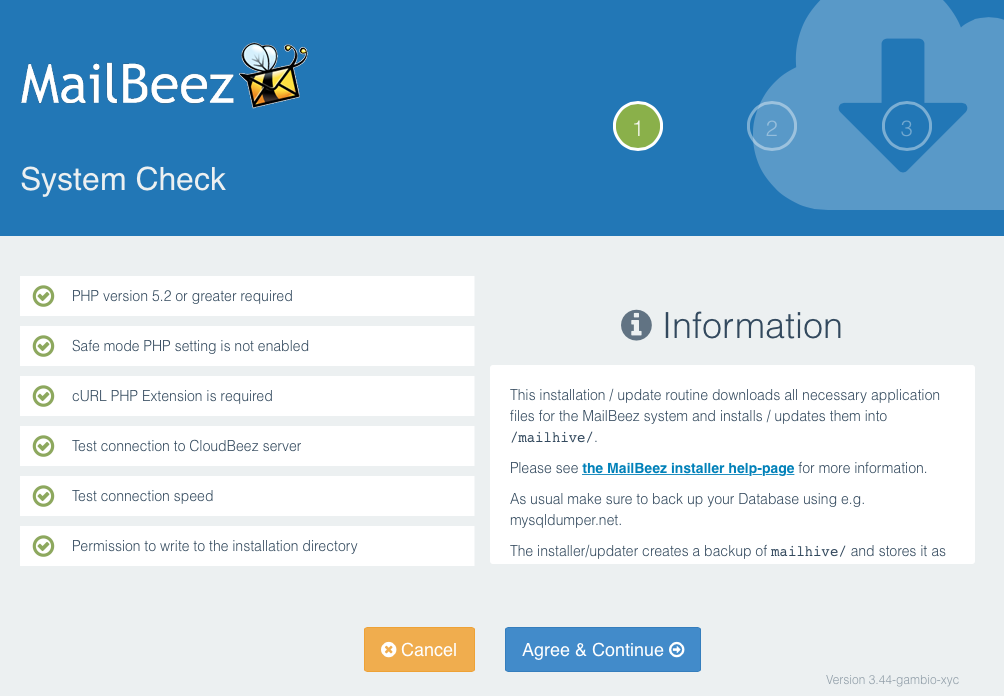
The installer guides you through the process and stops if there are any issues.