Social Sharing
Check what the older product sharing links open
For settings in the current app, start with System. Browse the legacy reference.
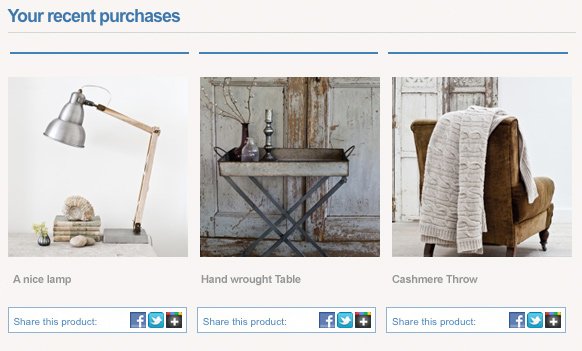
Add a sharing link to each product in an older email template. The module built links for the networks configured at the time, including Facebook, Twitter and Google+. Test the destination you still use.
Open a sharing link for one recognizable product. The page or sharing dialog should identify that item so a recipient can tell what they are about to share.
Responsive templates generally omitted the sharing block. To add the small version, place the placeholder inside the existing product loop. It needs the current product to build the link.
{section name=product loop=$products max=$max_products}
   {$products[product].social_tiny}
{/section}
Compatibility
-
 Gambio
Supported
-
GambioCloud
Supported
-
 Modified-Shop
Supported
-
 Zen Cart
Supported
-
 Shopify
Unconfirmed
-
 WooCommerce
Unconfirmed
-
 JTL-Shop
Unconfirmed
-
 Shopware
Unconfirmed
Shopify, WooCommerce, JTL-Shop and Shopware share one hosted feature set. Ask MailBeez Services about connector availability. Compatibility