Overview
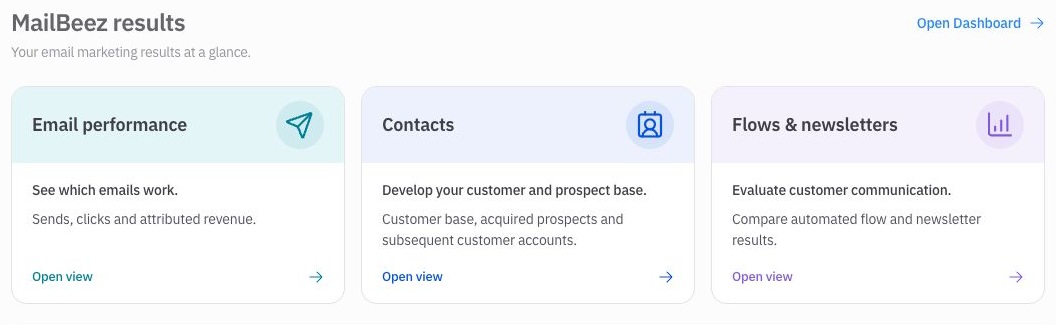
Your Friday newsletter offered a tasting box. On Monday you want to know how the mailing performed alongside the reorder reminders that also ran over the weekend. Open Reports → MailBeez → Overview. On MailBeez results, choose email performance for the totals, or the individual mailing to see what the newsletter contributed. Include the dates the emails actually went out.
Email performance
If clicks fell, check whether the change began with sends, opens or clicks.
Flows & newsletters
Compare individual campaigns and their attributed orders.
Contacts
See how your customer and prospect base is changing.
For a single message that failed to arrive, open Sending & status.