 modified-shop 2.x/3.x
FTP required
Choose the package for your installed modified-shop release and revision. For example, the 3.0.2 package below is for revision r15701 with PHP 8.2. Compare the revision in your shop before merging files.
A revision number identifies a particular build within a release. Check it before merging files, especially if the shop already contains changes to reviews or the administration menu.
| Shop release | Integration package |
|---|---|
| 3.0.2 · PHP 8.2 | Download r15701 |
| 3.1.0 · PHP 8.3 | Download r16069 |
| 2.0.0 | Download r6510 |
| 2.0.1 | Download r10403 |
| 2.0.2.1 | Download r10607 |
| 2.0.2.2 | Download r10690 |
| 2.0.3.0 | Download r10907 |
| 2.0.4.2 | Download r11374 |
| 2.0.5.x | Download r12487 |
| 2.0.6.x | Download r13500 |
| 2.0.7.x | Download r14473 |
| 2.0.7.2+ · PHP 8.1 | Download r14622 |
Install the package
- Extract the archive. If your admin directory has been renamed, send the files from
admin/to that directory. - Merge the package into the matching shop directories. Check
products_reviews_write.phpfor review autologin,inc/csrf_token.inc.phpfor CSRF handling andinc/xtc_update_whos_online.inc.phpfor the exclusion of MailBeez requests. Packages before 2.0.3.0 also changeadmin/includes/column_left.phpfor the menu entry. - In Administration → Partner Modules → MailBeez, activate the integration and complete the MailBeez installation.
Run Installation
Just click on the new menu item to open the MailBeez Installer:
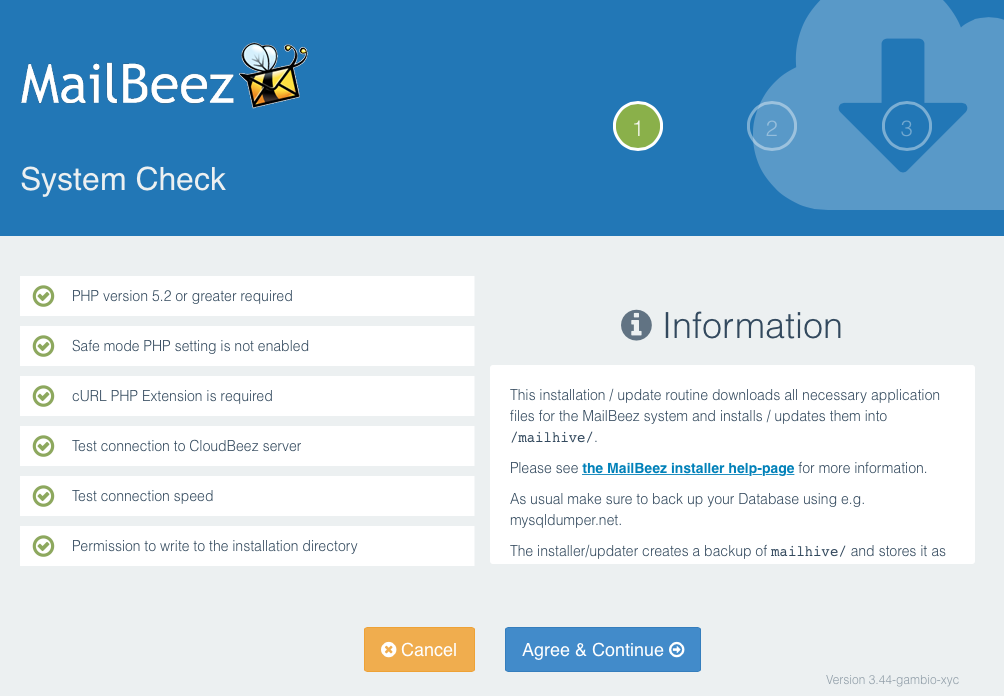
The installer guides you through the process and stops if there are any issues.