osCommerce 2.2
Check the version in your shop admin. For a different release, look under Installation or in the legacy reference.
Use the installer for osCommerce MS2.2 / rca2. The historical package specified PHP 5.3 or later.
Tip
If not done yet please download and unzip the installer package (.zip) on your computer: Download
Copy the shop files
Copy catalog/admin/mailbeez.php into the shop’s admin directory. Copy catalog/mailhive/ and catalog/mailhive.php into the shop root alongside index.php.
Add the admin menu entry
Open admin/includes/boxes/tools.php in the shop installation.
Locate this fragment in the existing file.
BOX_TOOLS_WHOS_ONLINE . '</a>'
Insert the following immediately after that line.
. '<br><a href="' . tep_href_link(FILENAME_MAILBEEZ, '', 'NONSSL') . '">MailBeez</a><br>'
Run Installation
Just click on the new menu item to open the MailBeez Installer:
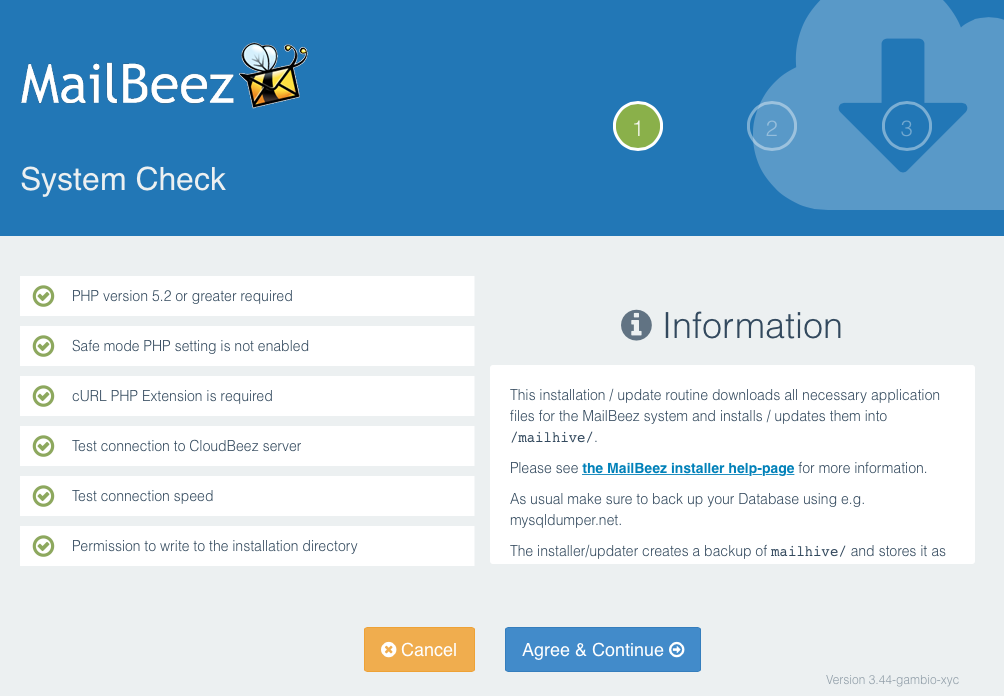
The installer guides you through the process and stops if there are any issues.