Commerce:SEO V2Next
Check the version in your shop admin. For a different release, look under Installation or in the legacy reference.
Use the installer for Commerce:SEO V2Next 2.4.x CE. MailBeez creates its own tables.
Choose how to add the admin entry before editing the menu file. The menu add-on is useful if shop updates regularly replace your local menu changes.
Tip
If not done yet please download and unzip the installer package (.zip) on your computer: Download
Copy the shop files
Copy catalog/admin/mailbeez.php into the shop’s admin directory. Copy catalog/mailhive/ and catalog/mailhive.php into the shop root alongside index.php.
Add the admin menu entry
You can also use the Commerce:SEO admin menu add-on to keep the entry across updates.
Open admin/includes/column_top.php in the shop installation. A shop update can overwrite a manual menu edit.
Locate this fragment in the existing file.
<!-- Gutscheine -->
Insert the following immediately before that line.
<li><a href="mailbeez.php">MailBeez</a></li>
Grant access
Open /mailhive.php once on the shop domain to grant the primary administrator access. Grant additional administrators access separately in the shop administration.
Run Installation
Just click on the new menu item to open the MailBeez Installer:
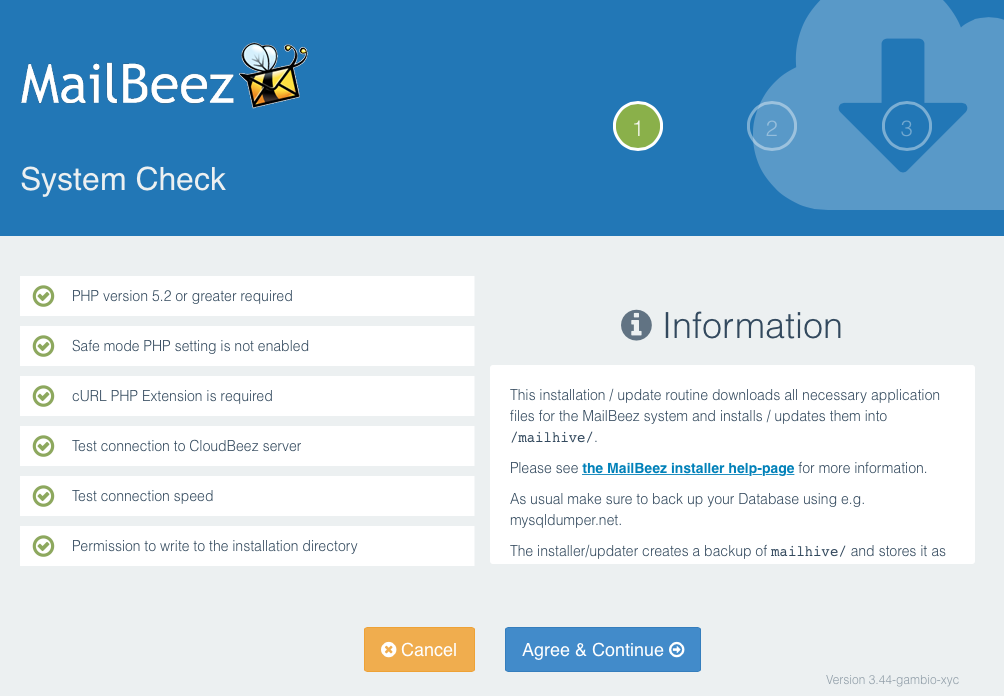
The installer guides you through the process and stops if there are any issues.